Paste your text
Choose a voice available on your device
Loading GramProof Tools
Go from creation to completion...
 GramProof™
Listen to your writing with the voices available on your device.
Voices and languages depend on your device. This playback tool does not create a downloadable audio file.
File conversions and PDF edits run on your device. Device voices are provided by your browser or operating system.
A focused workspace for your own learning, research, and everyday projects.
Choose a voice available on your device
Try a slower speed for detailed passages
Listen for awkward sentences and repeated words
Less friction between the material you have and the work you want to do.
Listen to your writing with the voices available on your device.
Use the controls in the workspace to shape the result around your own task.
Review the output and keep a copy you can return to or share when ready.

Start with clear material, keep your purpose in mind, and bring your own judgment to the result.
At home, on campus, or between projects, make room for a clearer next step.
Bring your own questions and materials to a workspace built for useful, reviewable results.
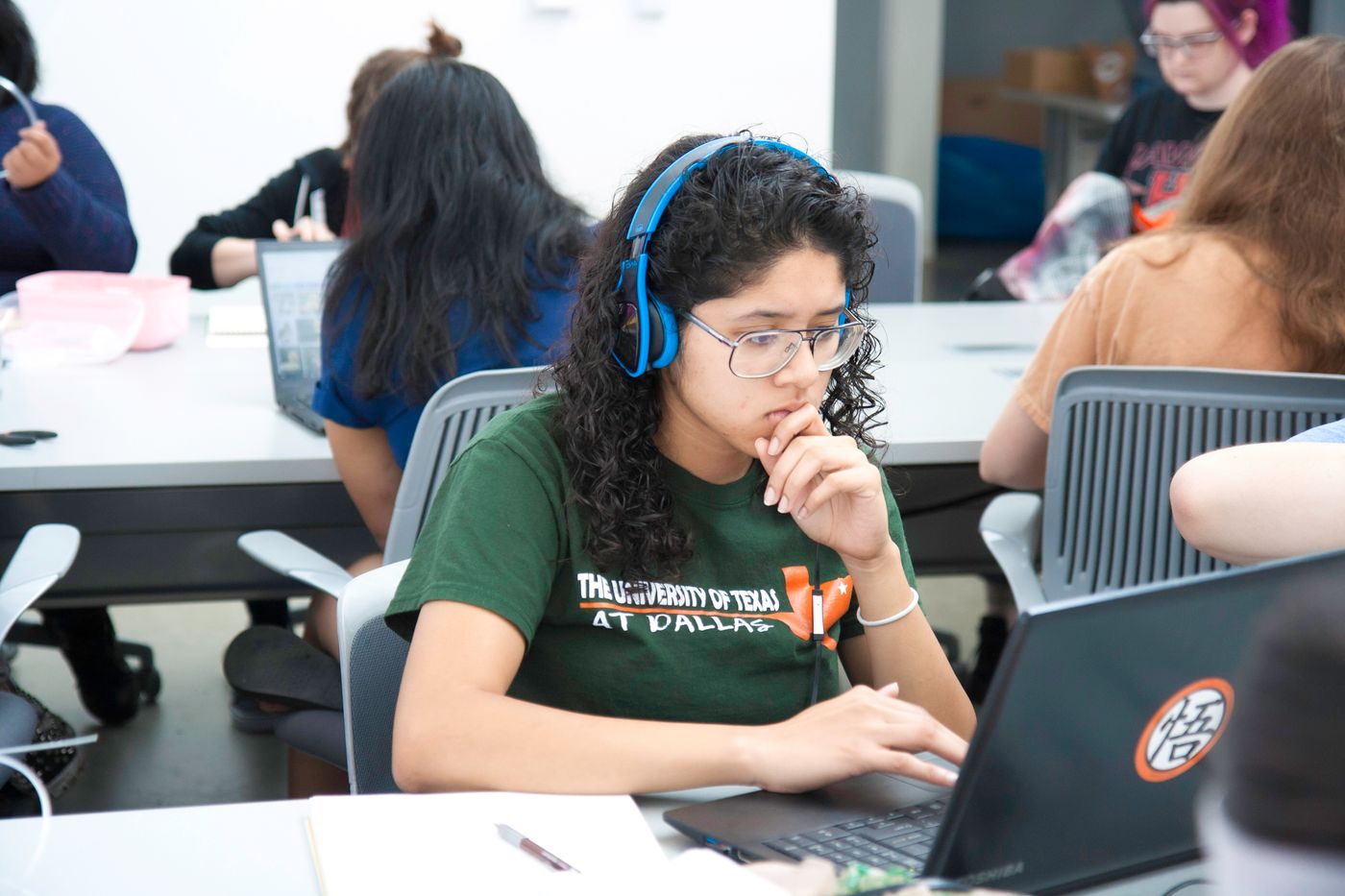
Bring your own questions and materials to a workspace built for useful, reviewable results.

Bring your own questions and materials to a workspace built for useful, reviewable results.

A little more clarity before you begin.
The available voices come from your browser or operating system. Their names and languages appear in the voice selector.
Yes. Choose from 0.5× to 2×, then start playback. Pause, resume, and stop controls are available.
This device-voice player provides playback only. It does not create an audio download.
Yes. Check text, facts, page references, and exported layouts against your original material before using or sharing the output.